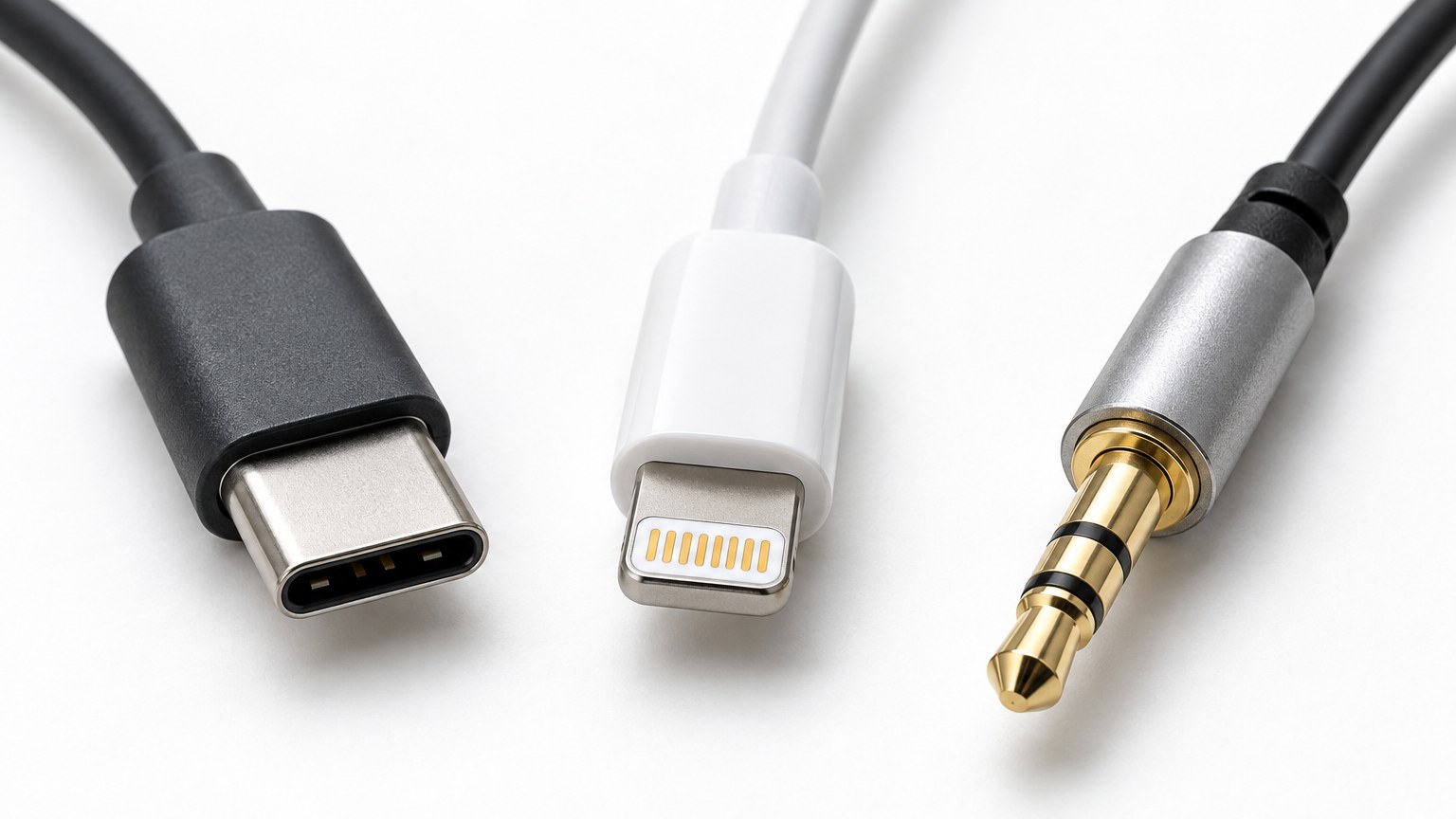
Wired used to mean one plug fits everything. Then phones dropped the headphone jack, and a $15 purchase turned into a compatibility question.
Check your phone first, not the earphones
Look at the charging port. USB-C on Android and recent iPhones. Lightning on iPhone 14 and earlier. If there is a separate round 3.5 mm hole, you can use analogue and you have the widest choice — and the cheapest.
What actually differs inside the plug
A 3.5 mm pair is passive. Your phone's own amplifier does the work, so quality varies with the phone.
USB-C and Lightning pairs carry digital audio, which means the DAC and amplifier sit in the cable or the earbud itself. That is why a DS-700 Type-C sounds the same on a cheap tablet as on a flagship phone — the phone is only supplying data and power. Consistency is the real selling point, more than peak quality.
Plug-and-play, and when it is not
Some USB-C sets need the host to support audio accessory mode. Most phones from the last few years do; a handful of older or unusual devices do not, and then nothing happens when you plug in. Sets marked plug and play — like the DS-750 — carry their own decoding and are the safer bet if you swap between devices.
On adapters
They work. They are also the part that fails first, they add a dangling joint at the worst possible place, and cheap ones can add audible hiss. If you already own earphones you love, an adapter is a reasonable bridge. If you are buying new, buy the right connector directly — for iPhones on Lightning, something like the DS-350 Lightning.
One more thing
If you own both an Android phone and an iPad, buy the pair that matches the device you use for music, and get an analogue backup for everything else. Trying to make one wired pair serve two connector standards is how you end up with a drawer full of adapters and nothing that just works.