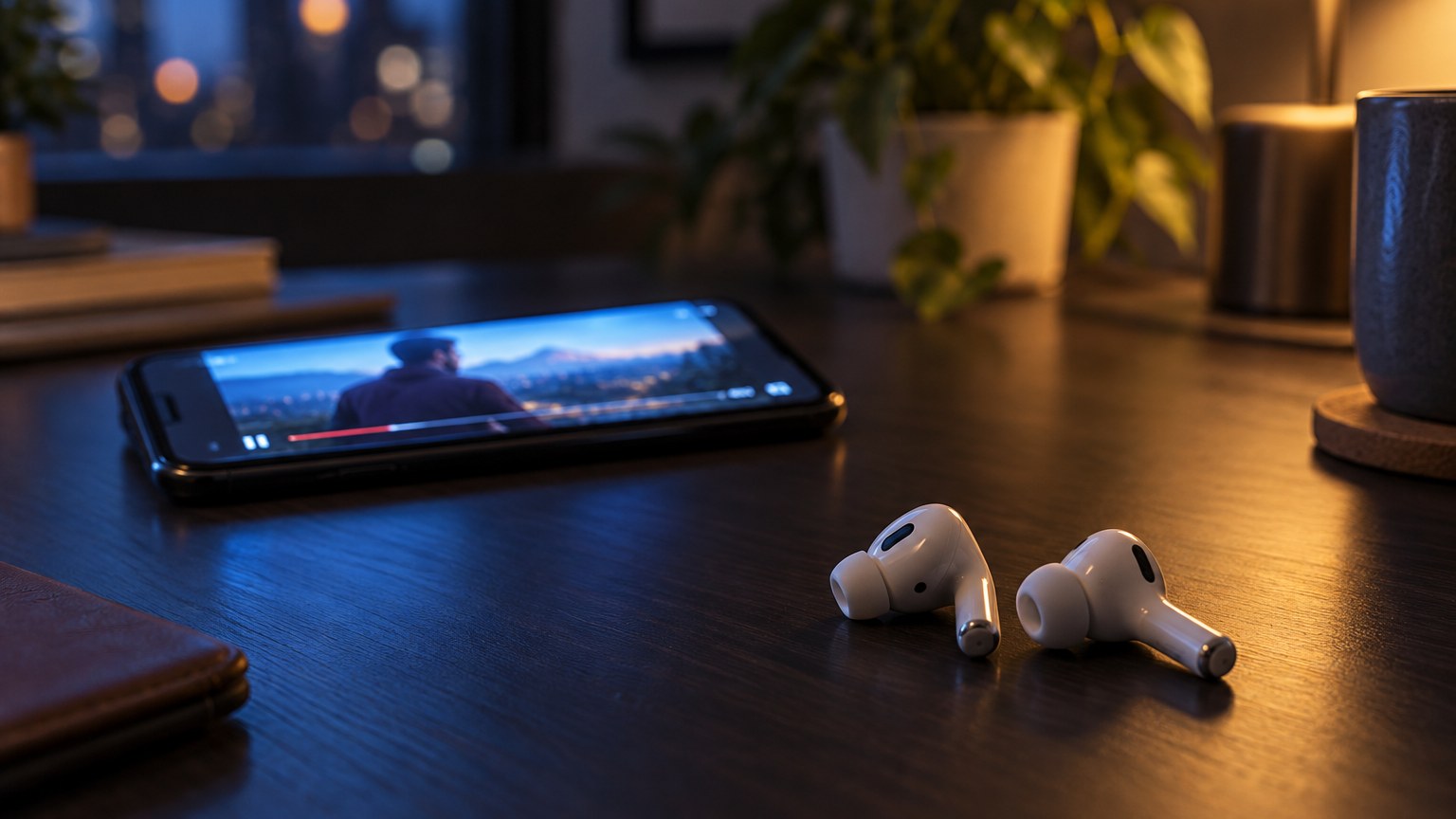
You tap a video, the mouth moves, the words arrive a beat later. Nothing is broken. Wireless audio buys convenience with time.
Where the milliseconds go
Your phone encodes the audio, packages it, sends it over 2.4 GHz, and the earbuds decode and buffer it before the driver moves. Each step adds delay. Typical totals on standard wireless run 150-250 ms. A dedicated low-latency mode pulls that toward 60-80 ms.
For reference: most people stop noticing lip-sync error below about 100 ms. Competitive gamers notice a lot lower.
Video is the easy case
YouTube, Netflix and most players actively compensate — they delay the picture to match the audio once the connection reports its latency. That is why a film can look perfectly synced on the same earbuds that feel late in a game.
Games and instruments are the hard case
Nothing can compensate here, because the sound is generated in response to you. A footstep cue that arrives 200 ms late is a footstep cue you cannot use. If you play anything competitive, look for a low-latency or game mode and expect to sacrifice a little range and battery for it — our TWS-X5 PRO is built around that trade.
And if latency is genuinely your priority, the unglamorous answer is a cable. A wired X15 Gaming Headset has effectively zero transmission delay. No pairing, no battery, no mode to remember.
Things that make it worse
- A crowded 2.4 GHz band — a busy office or apartment block forces retransmissions.
- Your body between phone and earbuds. Back pocket is the worst case.
- Multipoint connections holding two devices at once.
- Very old source devices with dated Bluetooth stacks.
What to try before blaming the earbuds
Move the phone to a front pocket. Turn off multipoint if you are not using it. Re-pair from scratch rather than reconnecting — a stale pairing can negotiate a worse codec than the hardware supports. If it is still late in games and fine in video, the earbuds are working as designed; you just need a mode built for it.